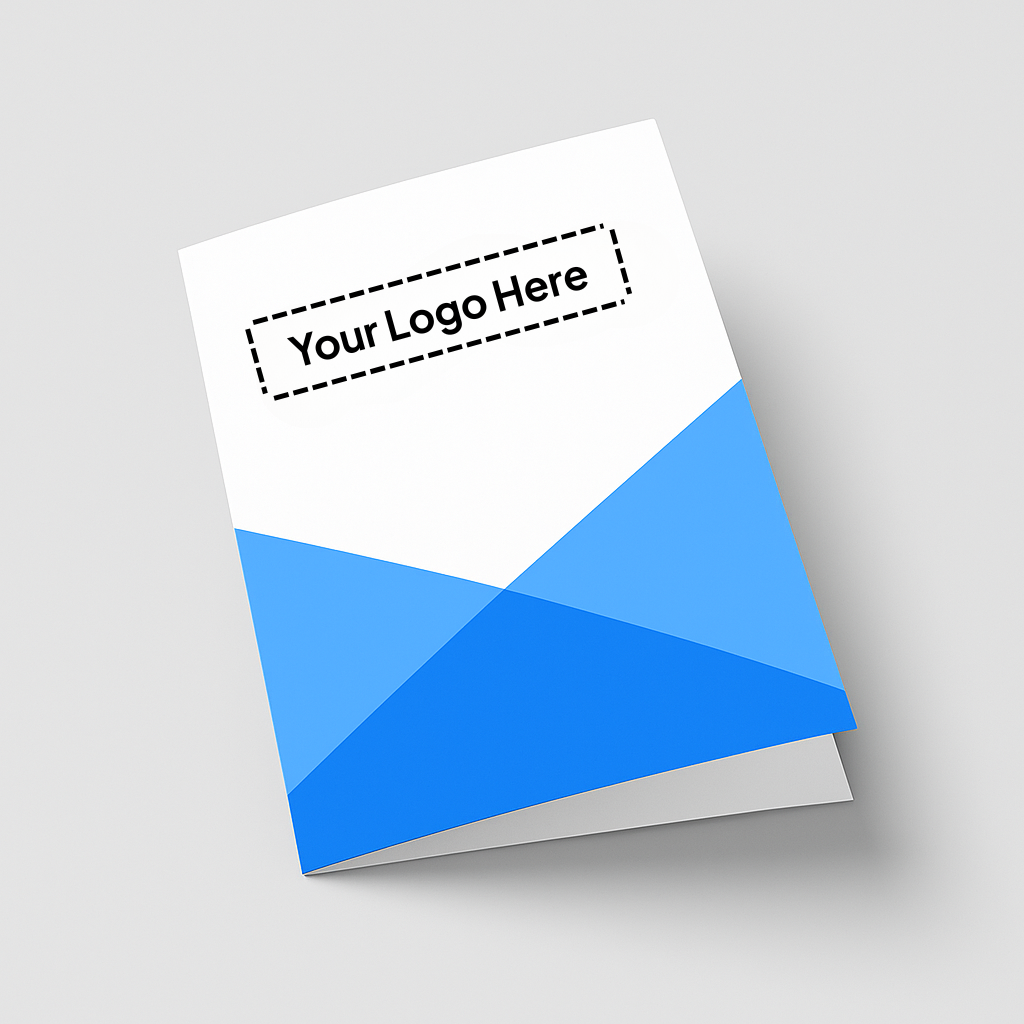
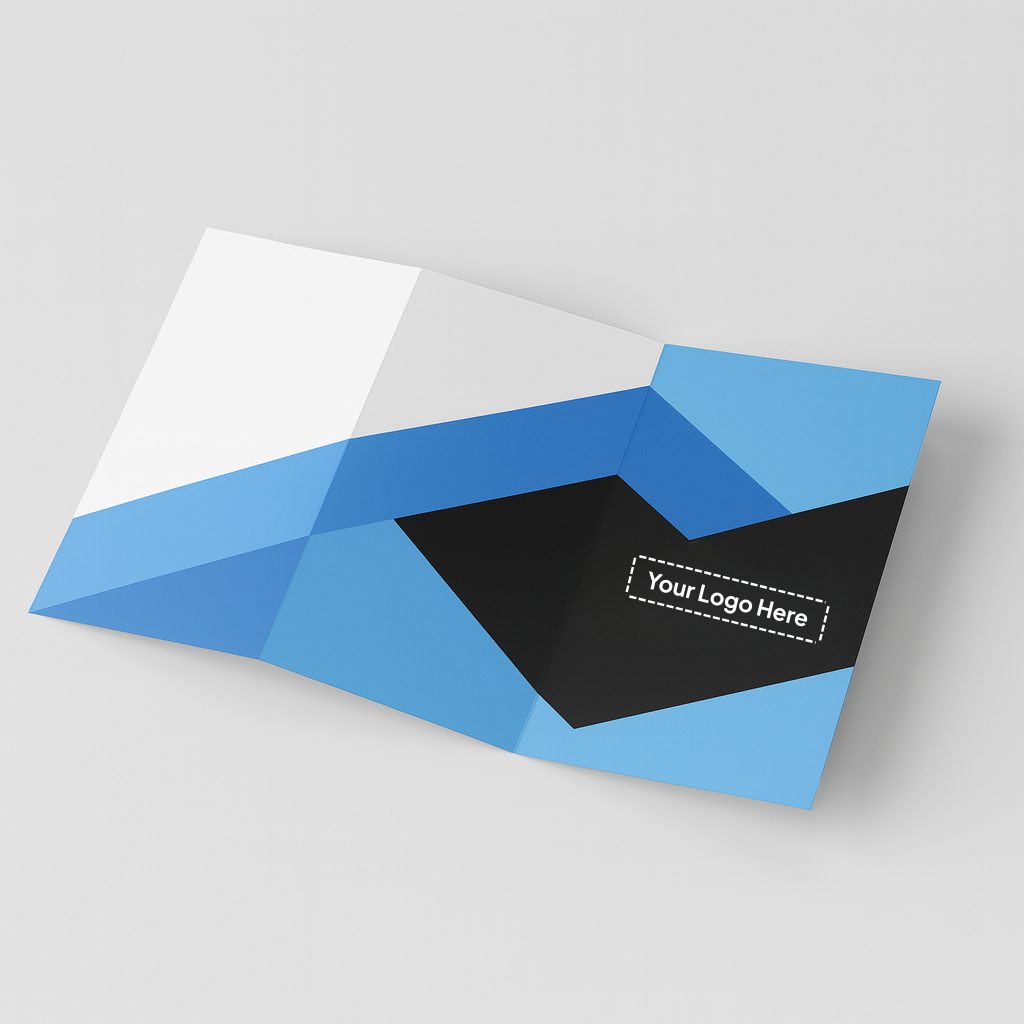
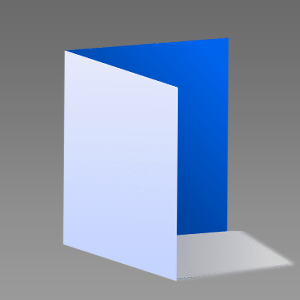
Multi-panel folded print piece. Printed on high-quality stock with sharp imagery and brand-consistent colors. Fold styles can include tri-fold, z-fold, or gate-fold. Often finished with gloss/matte lamination and optional spot UV for highlights.

Cutting

Fold

Tri-Fold
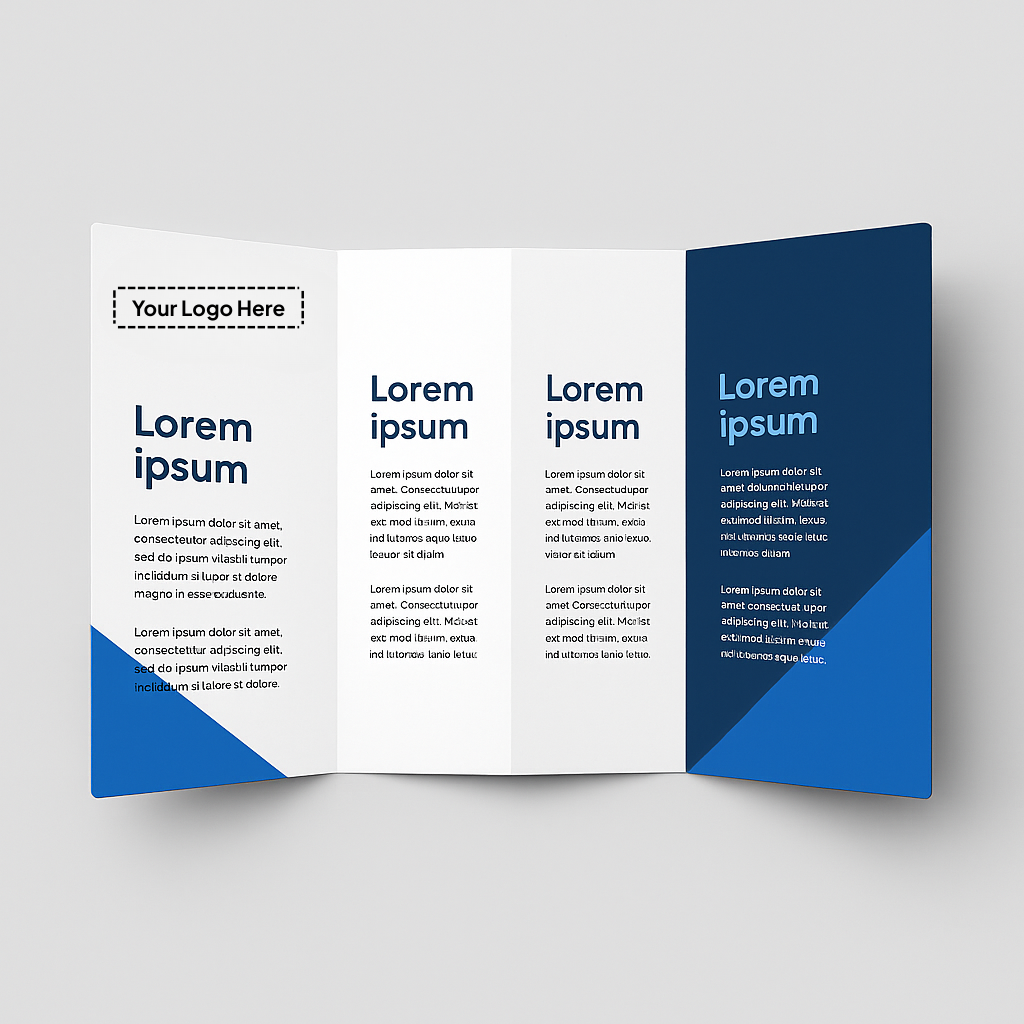
Double Gate Fold
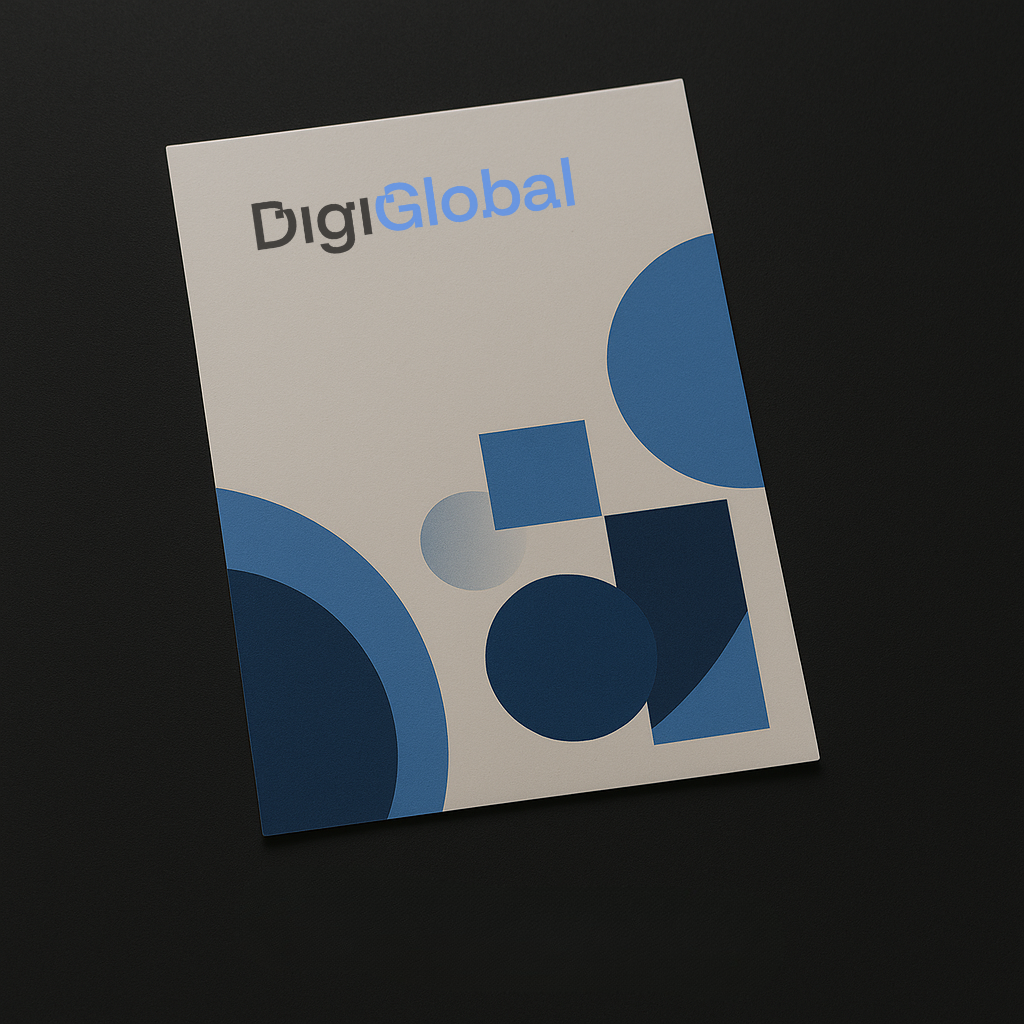
No Lamination
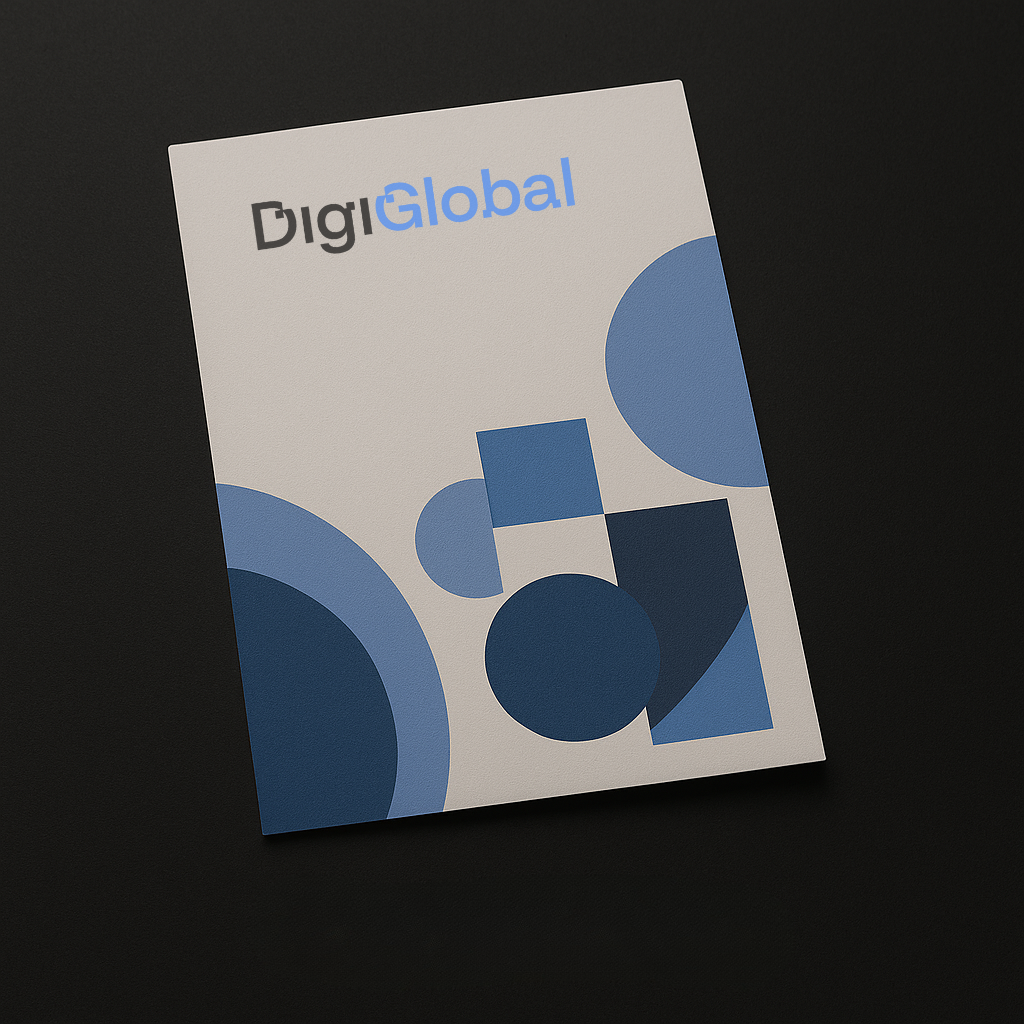
Matt Lamination
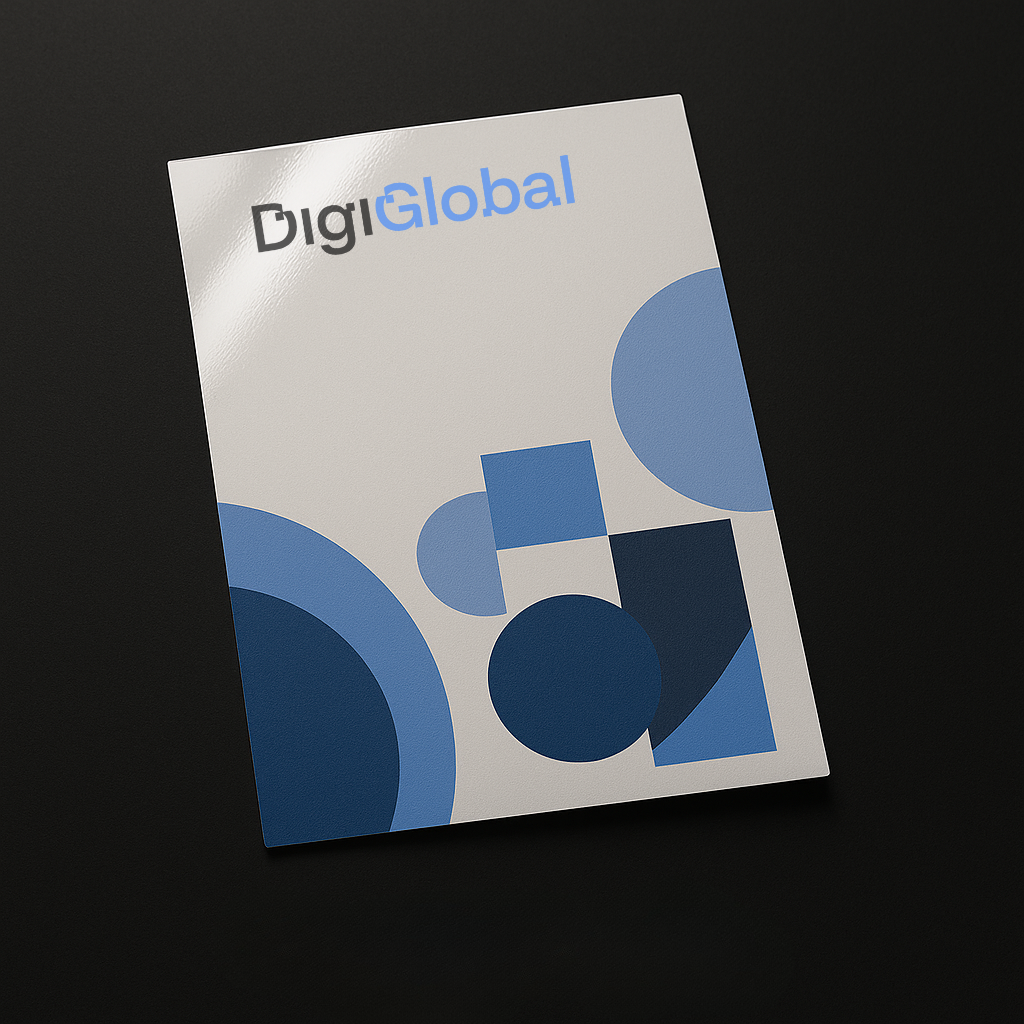
Gloss Lamination
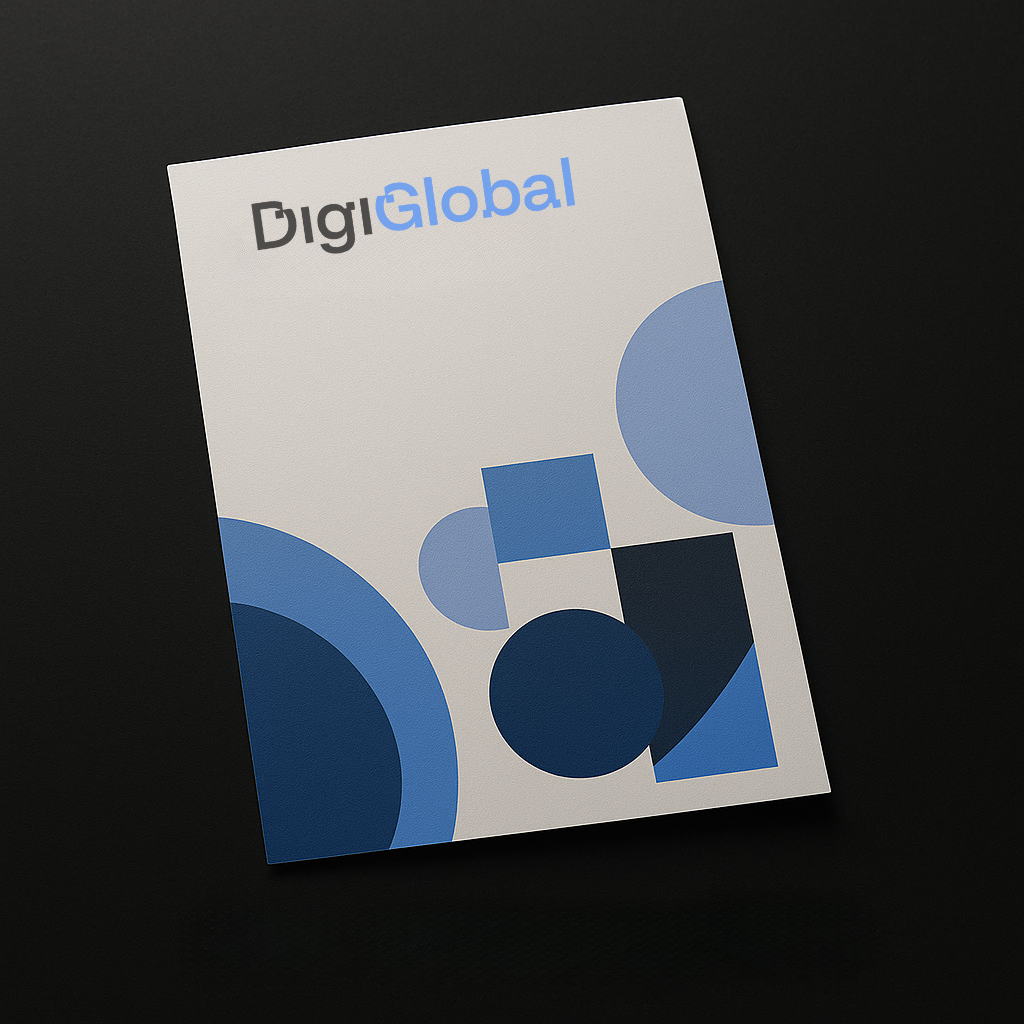
Soft Touch Lamination
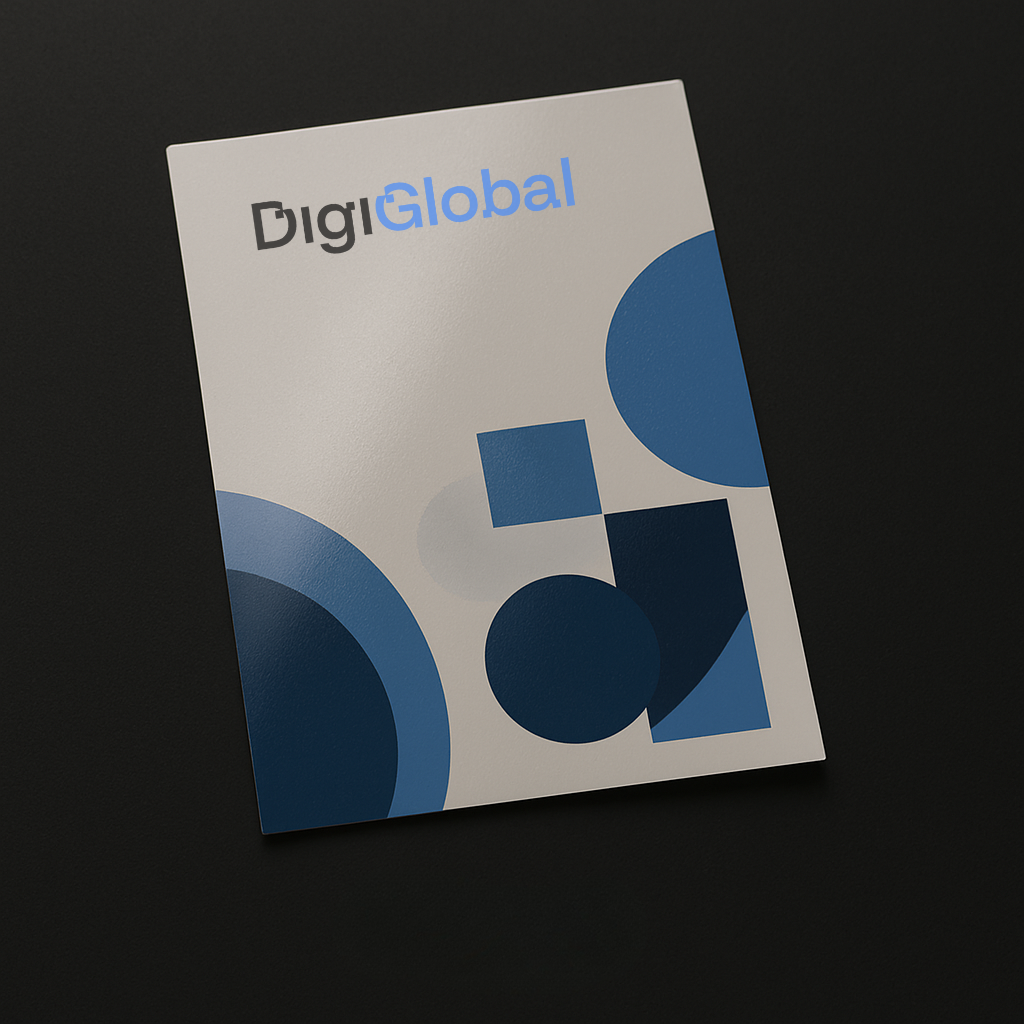
Varnish
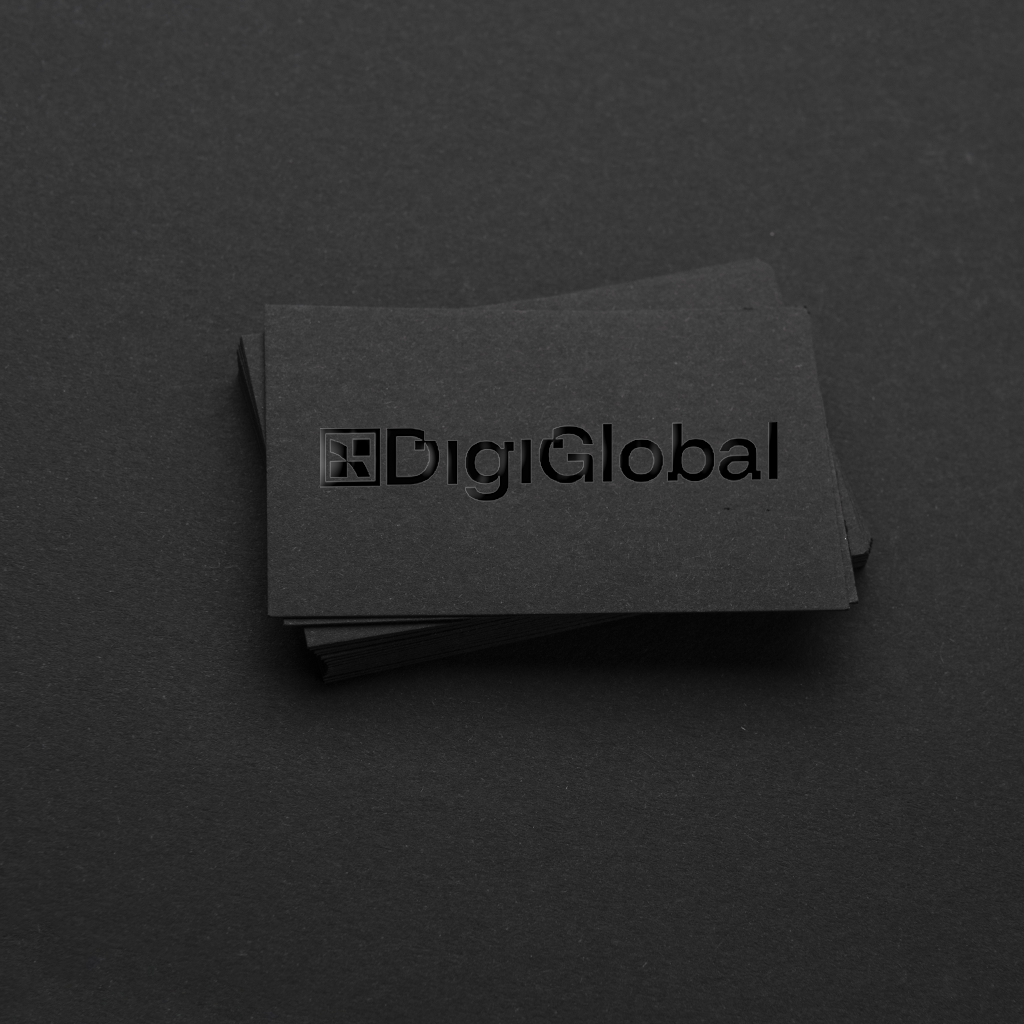
Spot UV
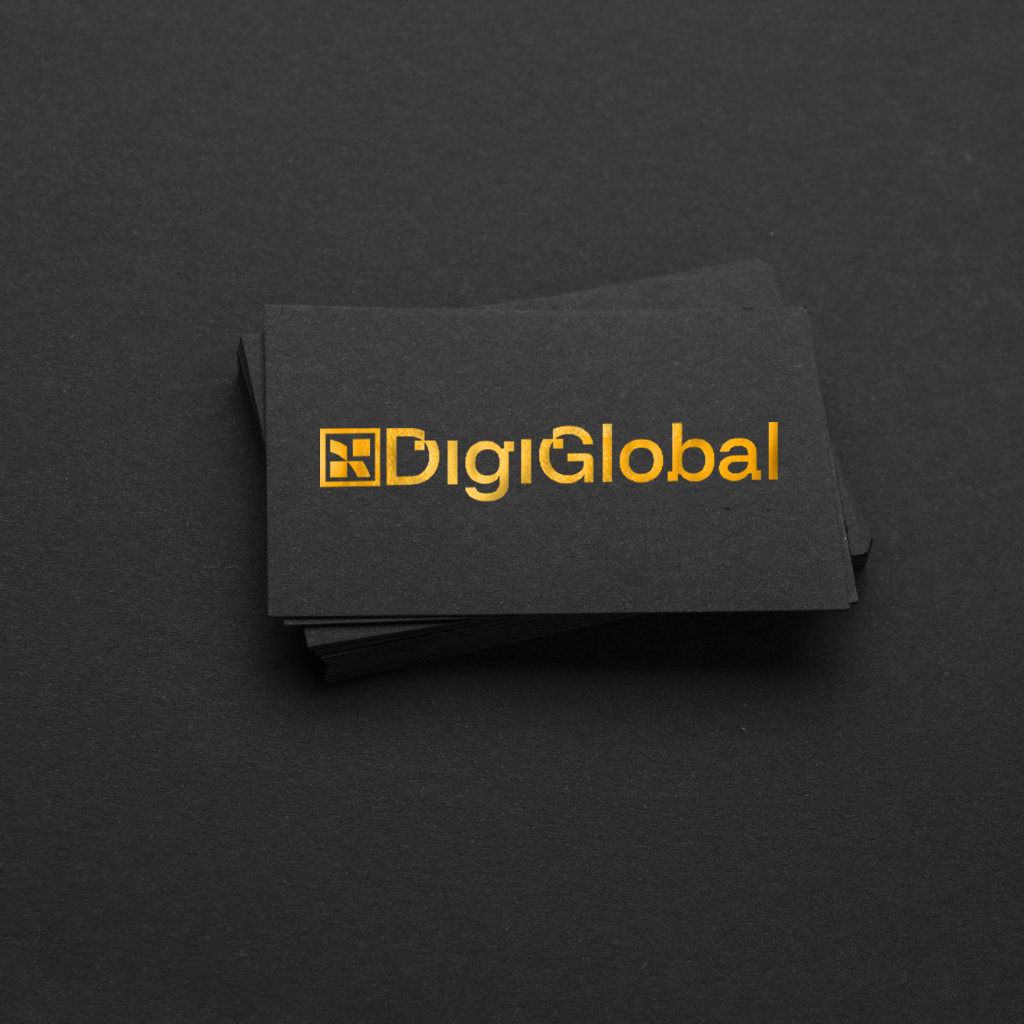
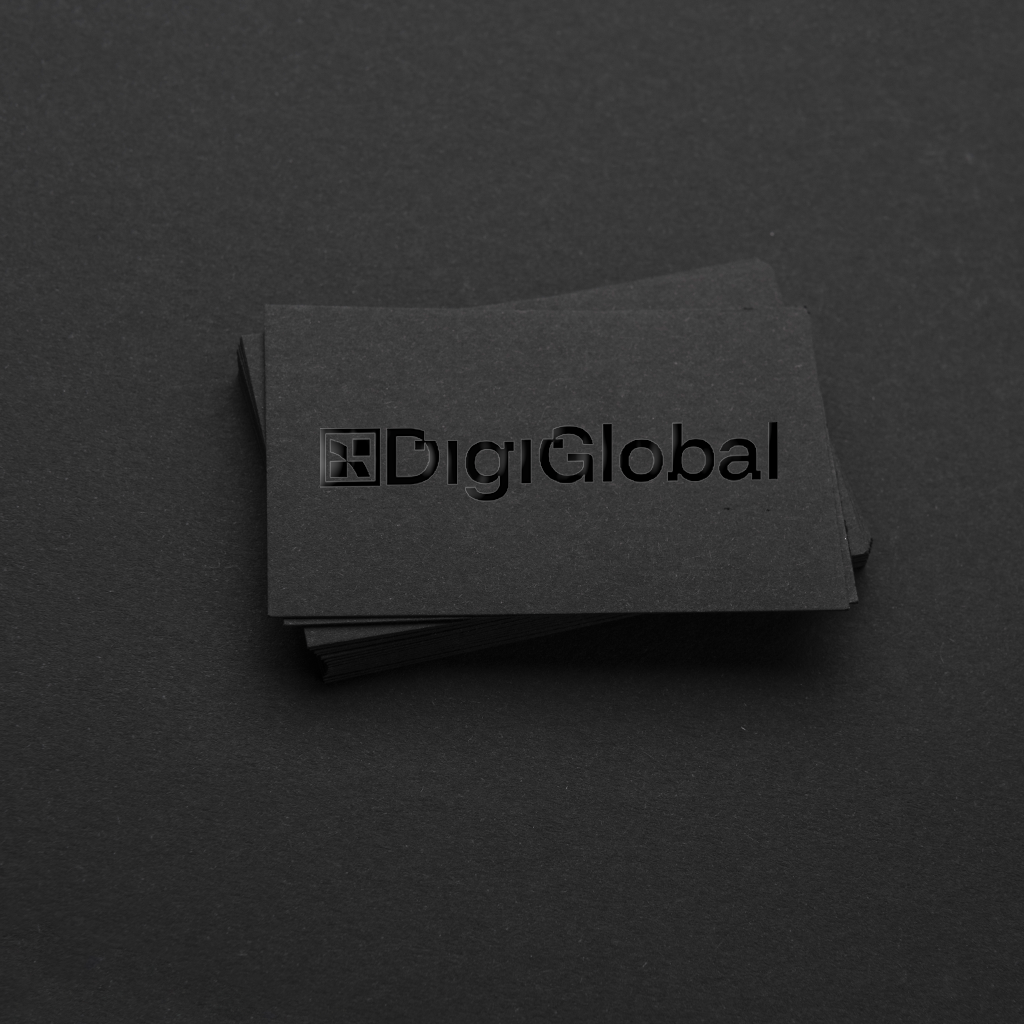
Gold Foil Stamp
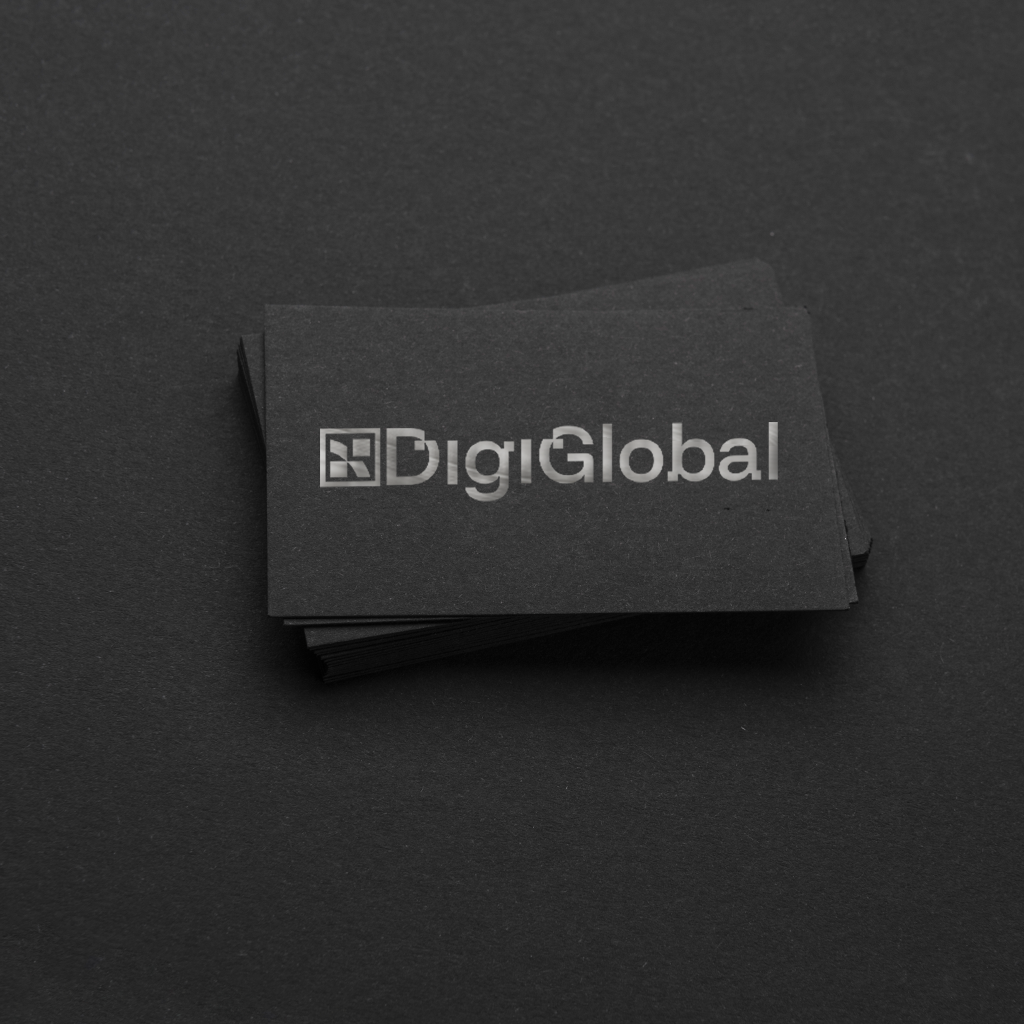
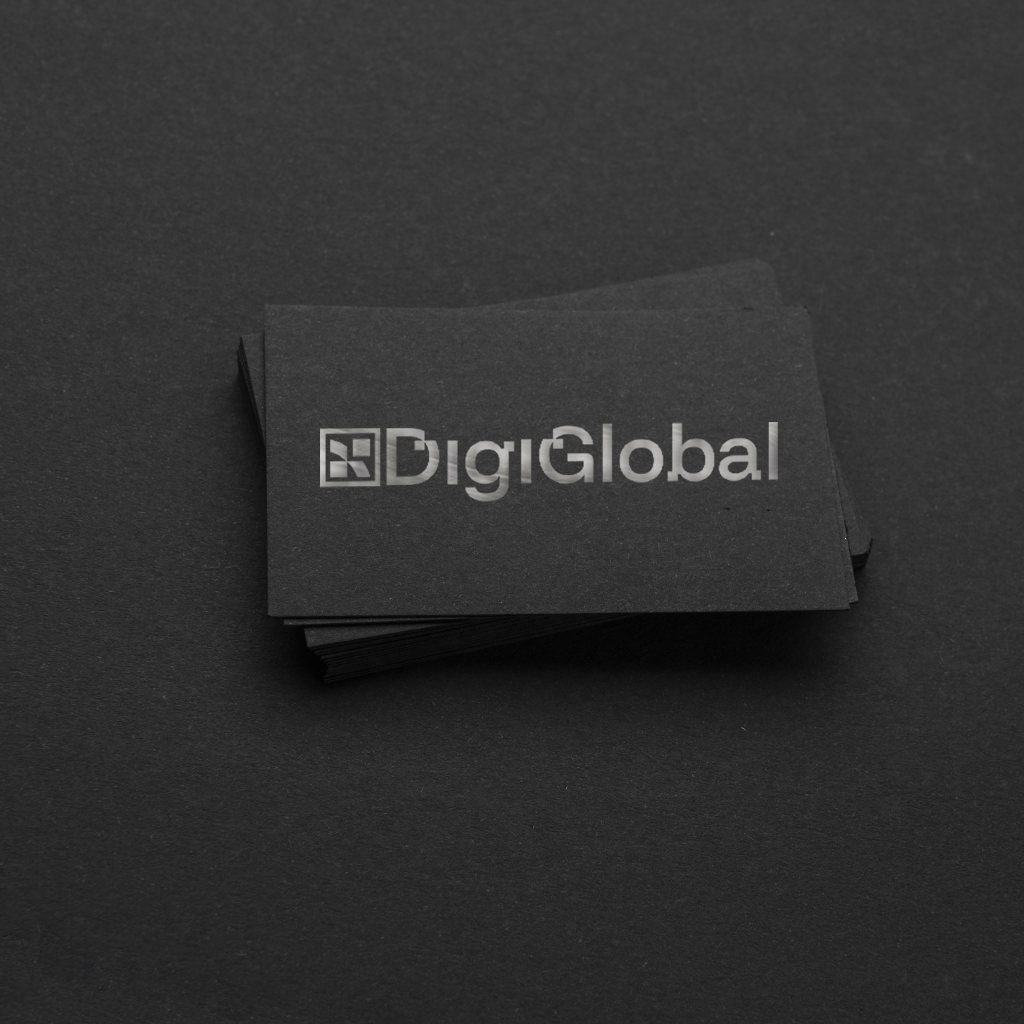
Silver Foil Stamp
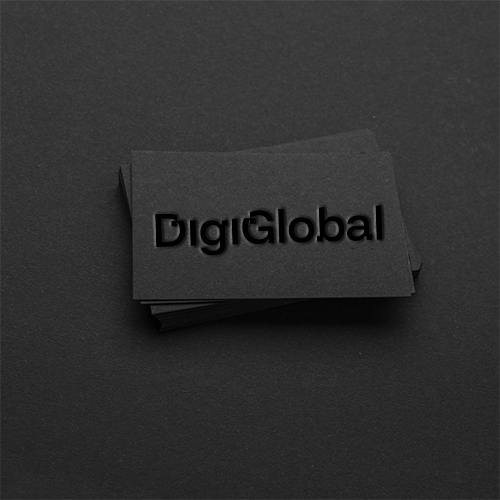
Emboss
The final estimated price is :
| Description | Information | Quantity | Price |
|---|---|---|---|
| Discount : | |||
| Total : | |||
Your choice of paper and any special touches will depend on your brochure’s style, format, fold, and your personal taste. Given such a considerable array of choices, we’re happy to help you pick the best flyer folding option for your needs. Let’s have a quick look at the possibilities.
Our most popular brochure folds are:

Also called a bi-fold or half-fold, this uses a single crease to create a mini-brochure with four pages—a front, two interior sides, and a back.
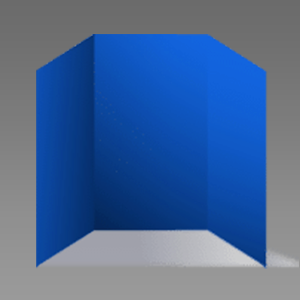
Two folds creating three equal panels which fold up as flaps like a traditional business letter.
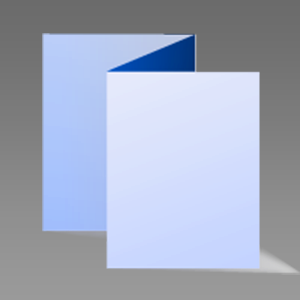
Like the tri-fold but with the panels folded back in opposite directions to create the classic “accordion” style.
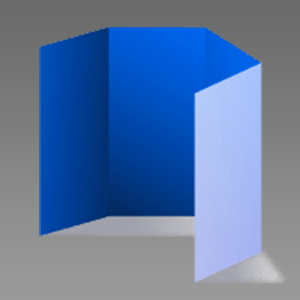
This has three folds creating eight printable panels which fold over each other as if the paper were being “rolled” up.
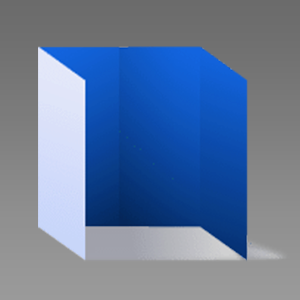
Two folds at the quarter lines create gate-like panels that close over the central interior panel.
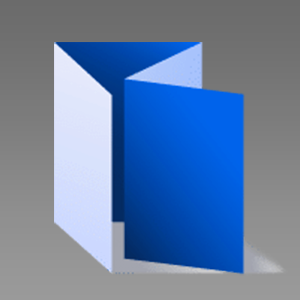
Three folds make eight pages, using the central fold to allow the two-panel sets either side to tuck one inside the other.
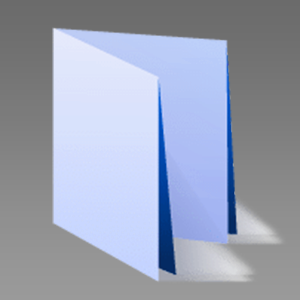
One horizontal fold across the length of the sheet, folded, and then another vertical fold to create a double layer with a hidden interior.
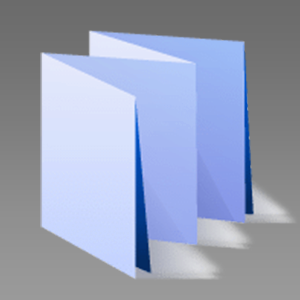
The same principle as the French fold but with three vertical folds creating a multi-page concertina effect.
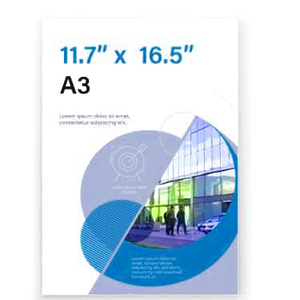
An excellent way to make your brochure stand out from the crowd is to use a process called die-cutting to make custom shapes. A die cutter is like an industrial scale cookie cutter but made to cut paper not cookies! We can prepare a mold to cut out a section of the paper, create a “silhouette” design, or other effects. As we already use the die-cutter in creating brochures, we can get creative with it at only a marginal extra cost. Talk to us about the possibilities if you’re interested in this option.
If you require a folding type that is not shown in the online calcutor, please contact us
Offset printing gives you great looking brochure with faithful color or black-and-white image reproduction and a noticeable price advantage over digital printing on longer print runs. You can choose from a range of sizes. Common example sizes for brochures are:

11.7 x 16.5 inches 297 x 420 mm

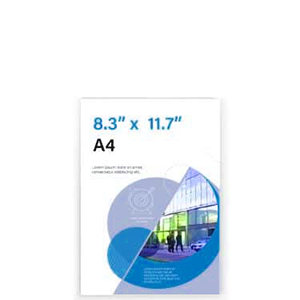
8.3 x 11.7 inches 210 x 297 mm
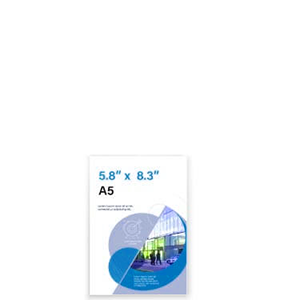
5.8 x 8.3 inches 148 x 210 mm
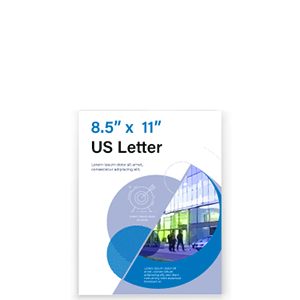
8.5 x 11 inches 216 x 279 mm
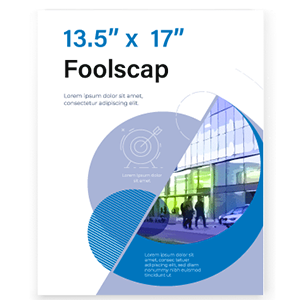
13.5 x 17 inches 343 x 432 mm
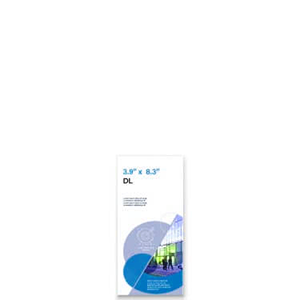
3.9 x 8.3 inches 99 x 210 mm
Gloss, matte, and uncoated paper
You have many options for paper stock to print your brochure at DigiGlobal. Brochures with photographs look best on gloss or matte cover paper because they have a high-quality finish which gives first-class image reproduction while uncoated paper could be fine if your brochure is mainly text. Here’s a helpful list of typical brochure papers:
Gloss Paper
Matt Paper
Uncoated Paper
You want your brochures to make a fantastic impression. Someone browsing your stand at a trade fair, picking up a copy in-store, or sifting through their direct mail, is more likely to check it out if it’s eye-catching and distinctive. DigiGlobal offers a complete range of finishing options to make your brochures unique.
Among other options, the most popular choices include:
We recommend that you laminate your brochures if they have several folds and thicker paper as this will make sure they don’t tear and that the surface still looks good. You can laminate on one or both sides.


We recommend that you laminate your brochures if they have several folds and thicker paper as this will make sure they don’t tear and that the surface still looks good. You can laminate on one or both sides.


The finish options in the quote calculator are available for gold or silver foil stamping up to 5.9″ x 1.18″, and embossing or spot UV treatment for areas up to 7.87″ x 1.96″. If you need a larger area of special finish, please contact us.
You can also order one of our sample books on this page to explore the different finishes and foil stamping colors.
We can also incorporate a custom die-cut into your brochure to increase its visual impact. With die-cutting, we machine-cut a shape out of the material with a sort of industrial cookie cutter. For example, to create a ‘window’ to the illustration underneath the top fold or to make your company name or logo more visually striking.